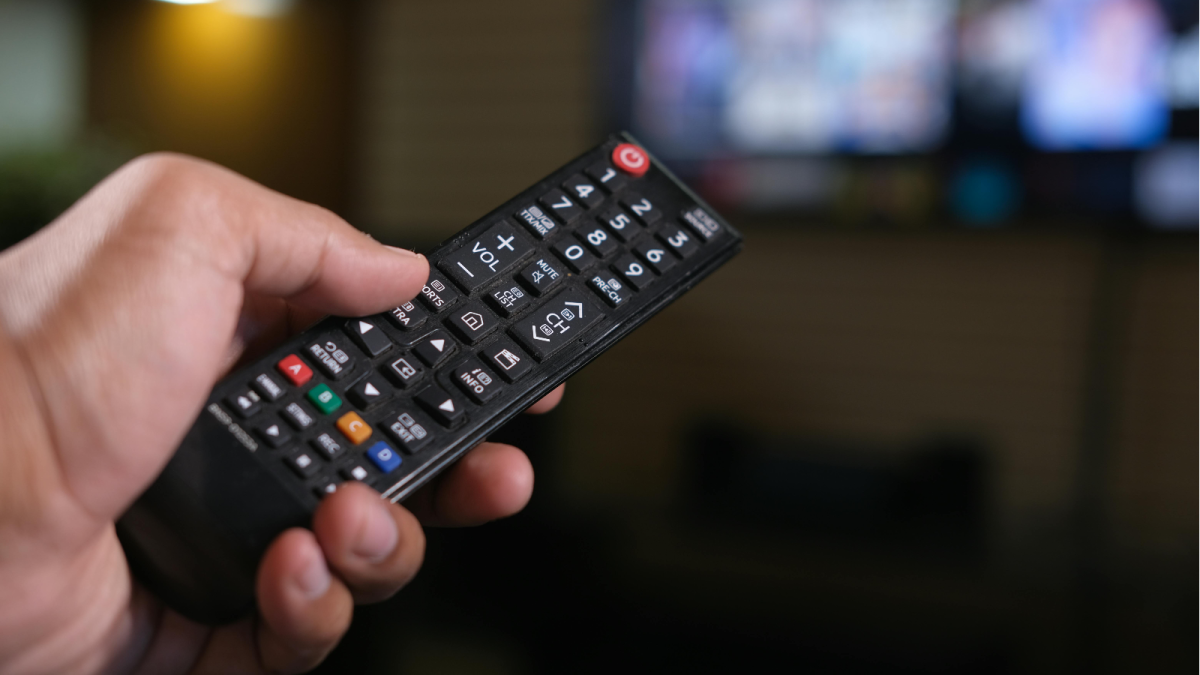
1/10If you’ve ever looked closely at your TV remote, you may have noticed four colourful buttons—red, green, yellow, and blue. Many people use their remote every day but rarely know what these coloured buttons actually do. (Image: X)
If you’ve ever looked closely at your TV remote, you may have noticed four colourful buttons—red, green, yellow, and blue. Many people use their remote every day but rarely know what these coloured buttons actually do. (Image: X)
2/10The coloured buttons were originally designed to make navigation easier when using interactive TV features. Instead of pressing multiple keys, viewers could quickly select options using these coloured shortcuts. (Image: X)
The coloured buttons were originally designed to make navigation easier when using interactive TV features. Instead of pressing multiple keys, viewers could quickly select options using these coloured shortcuts. (Image: X)
3/10Many televisions and set-top boxes follow standards used in digital broadcasting systems like Digital Video Broadcasting (DVB), which introduced color-coded buttons to control on-screen menus and special functions. Today, these buttons can perform different tasks depending on the TV brand, cable provider, or app you are using. (Image: X)
Many televisions and set-top boxes follow standards used in digital broadcasting systems like Digital Video Broadcasting (DVB), which introduced color-coded buttons to control on-screen menus and special functions. Today, these buttons can perform different tasks depending on the TV brand, cable provider, or app you are using. (Image: X)
4/10The green button is commonly used for confirmation or quick access to certain features. (Image: X)
The green button is commonly used for confirmation or quick access to certain features. (Image: X)
5/10On many smart TVs or set-top boxes, it may:- Open additional information about a program- Confirm a selection in interactive menus- Launch special TV services or appsFor example, when browsing TV guides, the green button might allow you to set reminders for upcoming shows. (Image: X)
On many smart TVs or set-top boxes, it may:- Open additional information about a program- Confirm a selection in interactive menus- Launch special TV services or appsFor example, when browsing TV guides, the green button might allow you to set reminders for upcoming shows. (Image: X)
Source: Tech News in news18.com, Tech Latest News, Tech News
